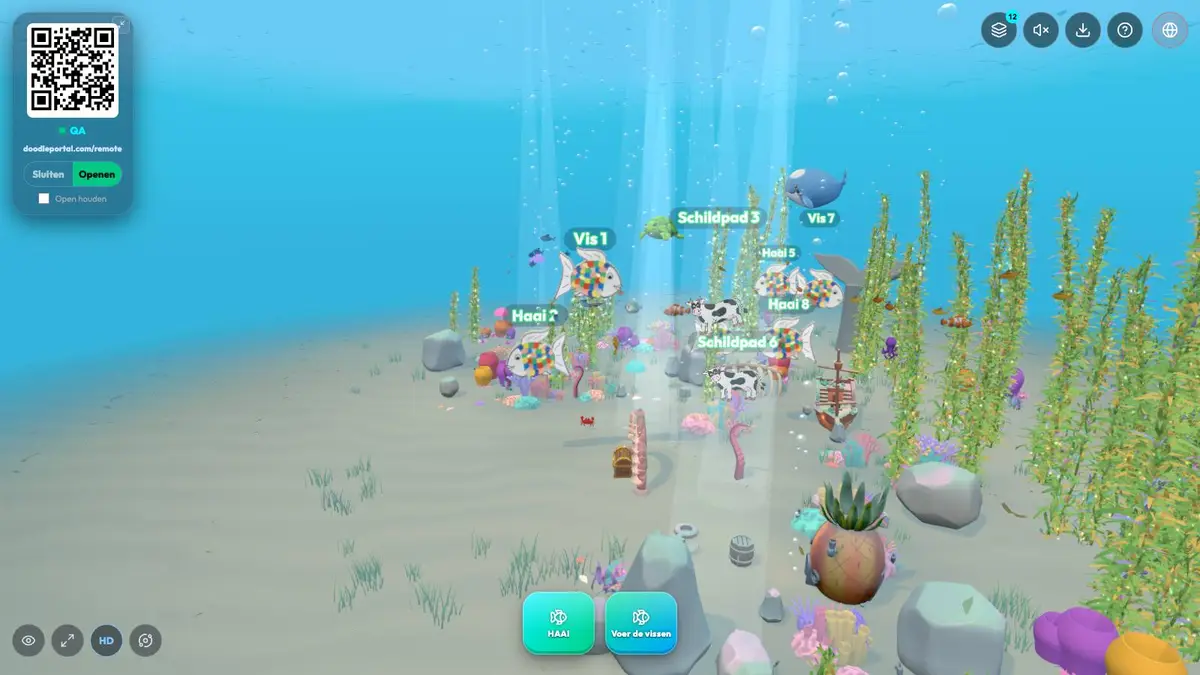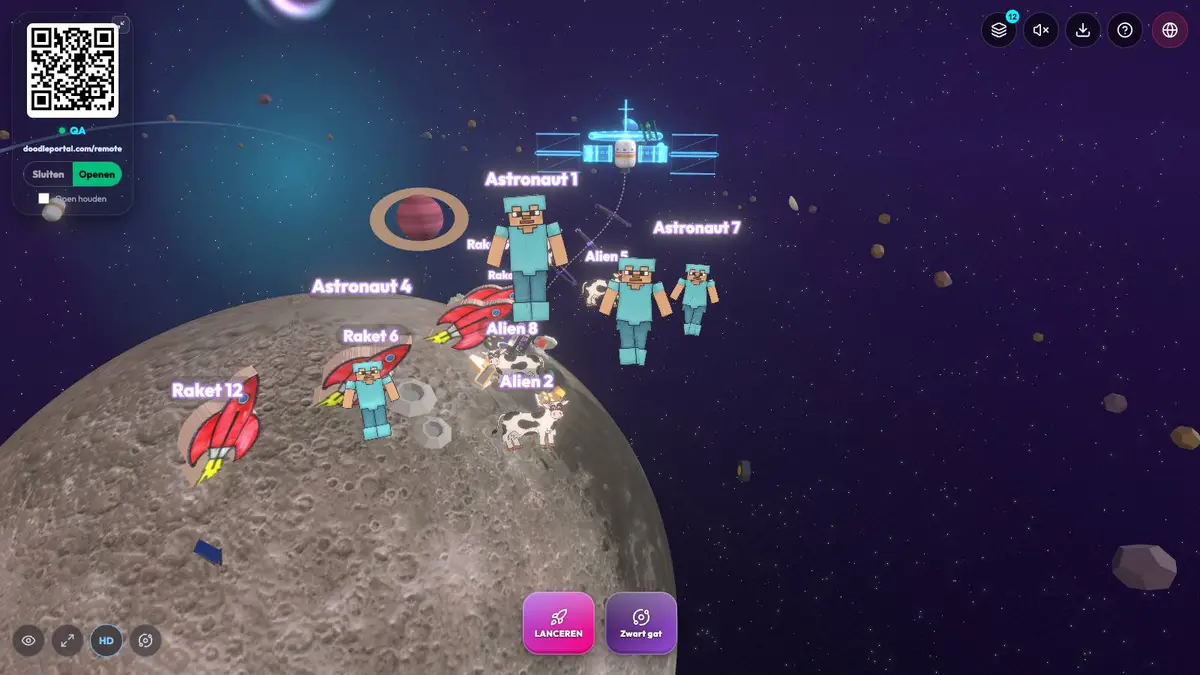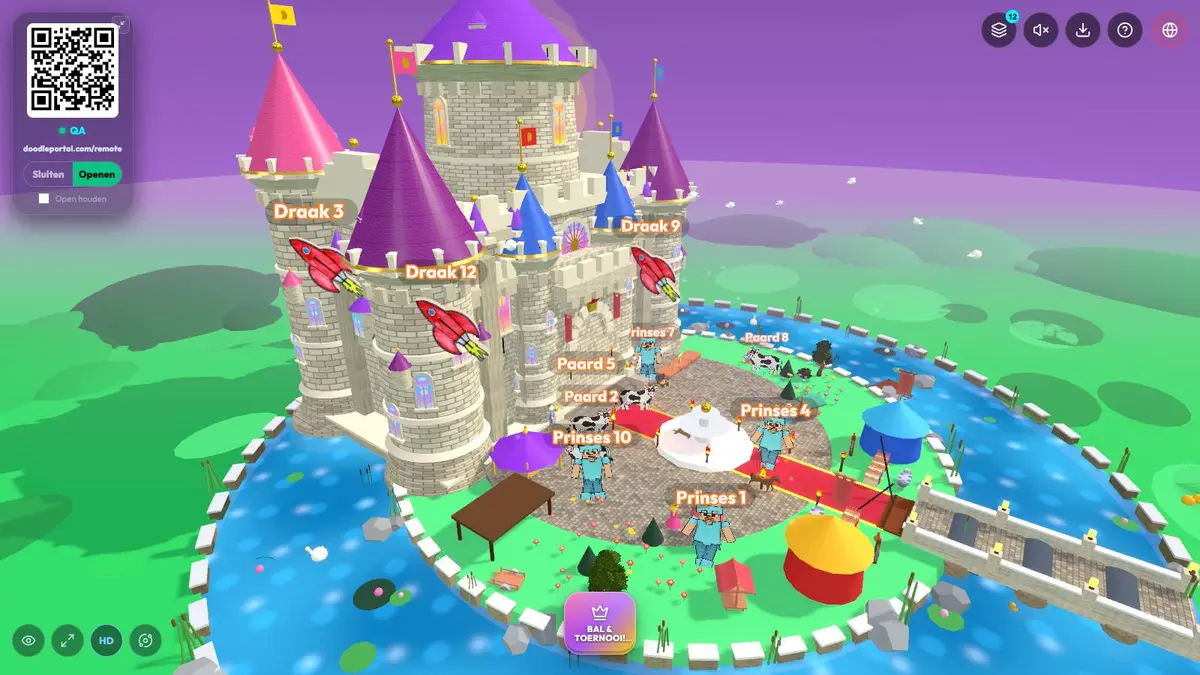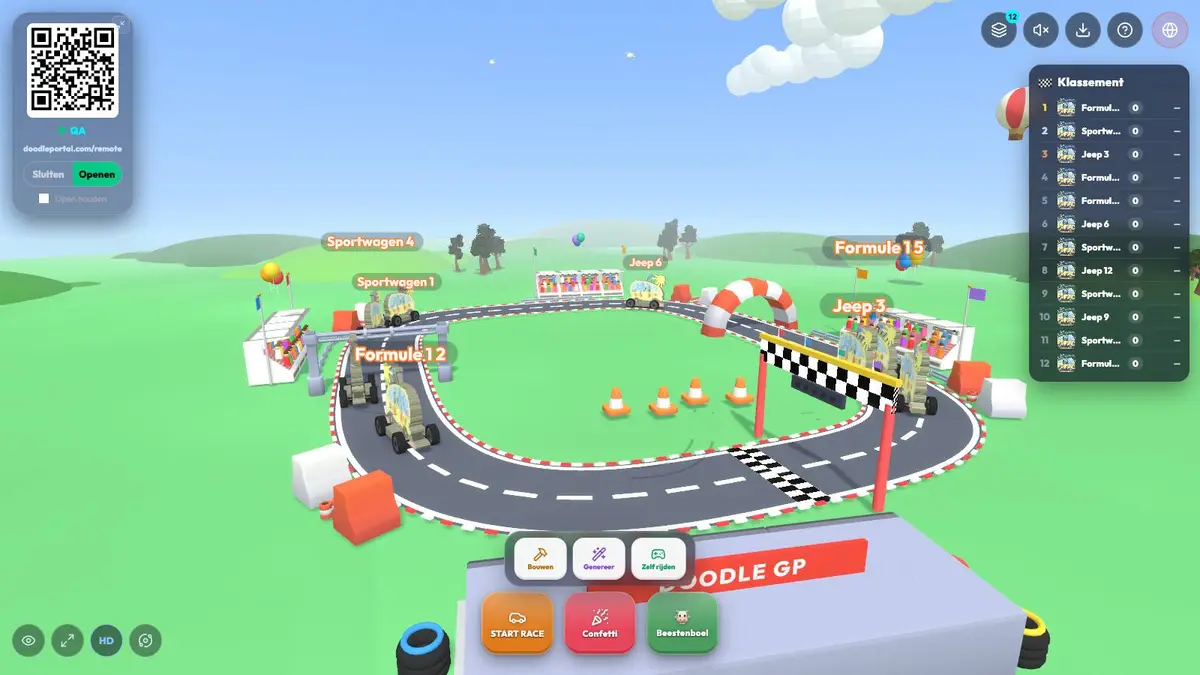
DoodlePortal for teachers: the whole class on the whiteboard
Children draw on real paper, a phone scans each drawing, and seconds later it swims, flies or races across your interactive whiteboard. It works in the browser, students need no account, and you can start for free.
Why teachers use it
A drawing lesson usually ends in a pile of paper. With DoodlePortal every child sees their own work appear in a shared 3D world — the moment the whole class cheers.
It fits art lessons, a theme week (sea, space, castles, the farm), language lessons (“describe your creature”), a reward on Friday afternoon or a festive start of the day.
- No installation: the whiteboard opens a web page; children join by scanning a QR code.
- No student accounts: children never sign in or leave personal data.
- Privacy: drawings and photos are never stored online; they stay in the browser of the classroom computer.
- Child lock: settings on the big screen are protected by a small sum.
A lesson in five steps
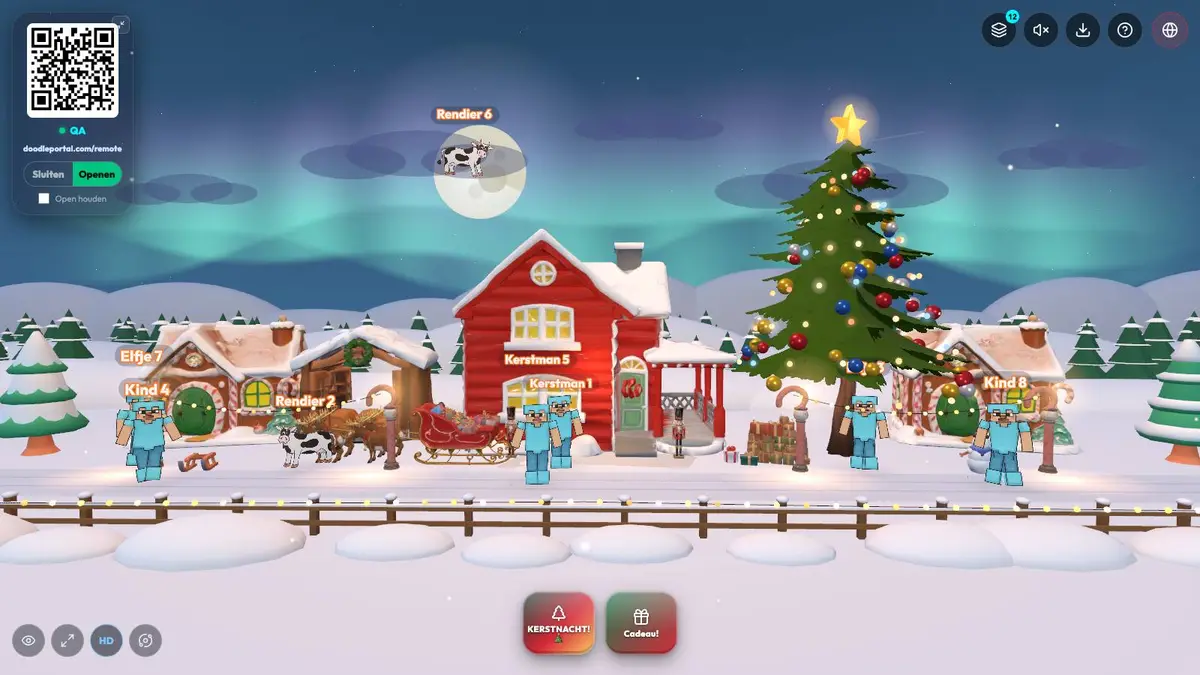
Plan about 30–45 minutes, including drawing time.
- Print the free coloring pages of the world you choose, or let children draw freely with thick dark outlines.
- Open the world on the whiteboard via Worlds or the whiteboard mode on the homepage.
- One phone or tablet per group scans the QR code on the board (the teacher’s phone works fine too).
- Photograph the drawing; the magic wand cuts it out and the child can add stickers or moving arms and legs.
- Launch it into the world and press the big red button for a surprise.
What does it cost a school?
Every world is free to play with up to 2 drawings at once — enough to try it. For a whole class you unlock a world with 1 credit ($3.99, or 5 credits for $10.99): then up to 30 drawings fit at once, for 30 days or 30 drawings. No subscription and no automatic renewal.
Themes through the school year
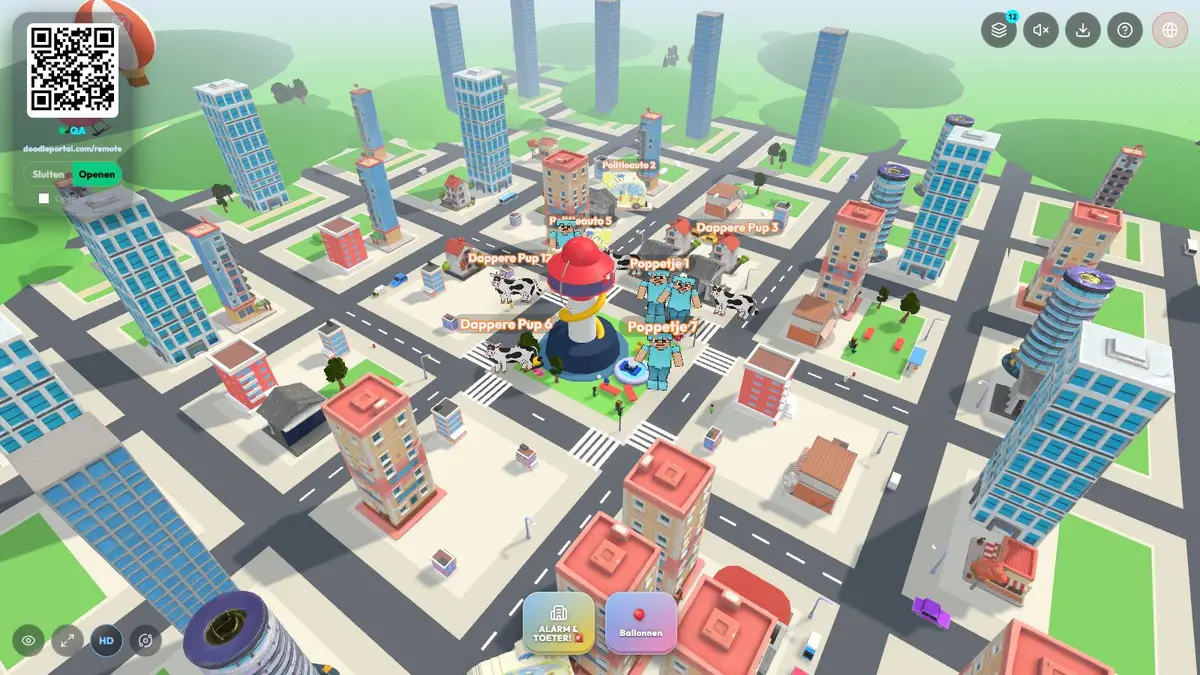
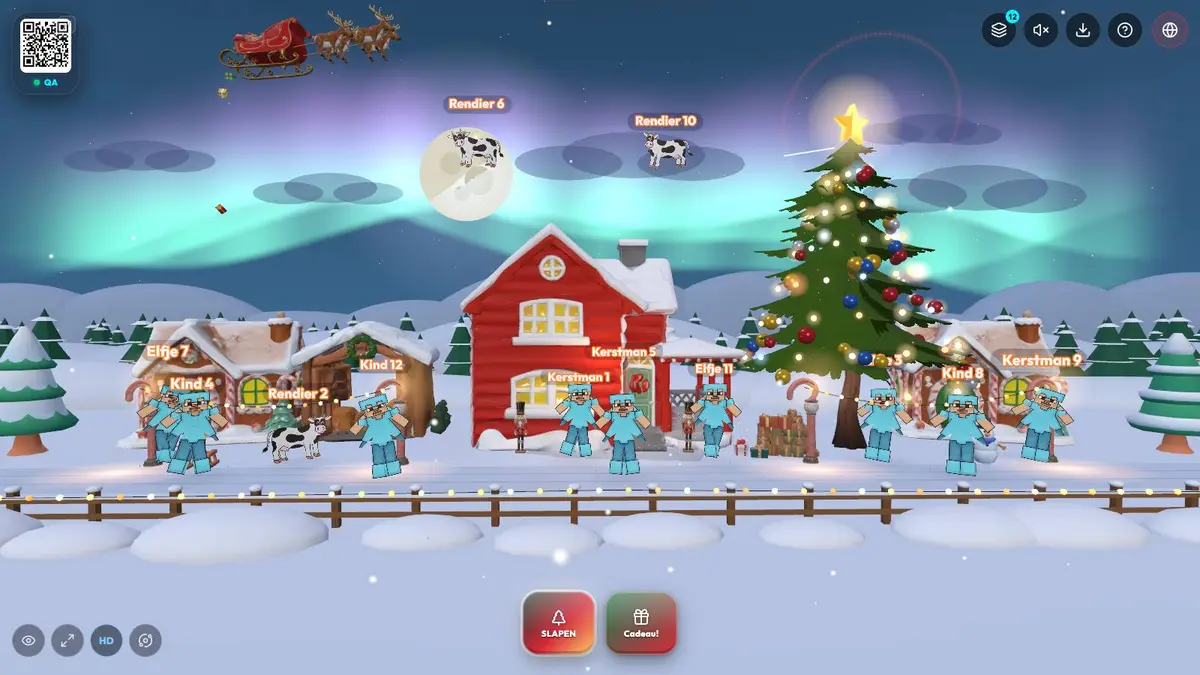
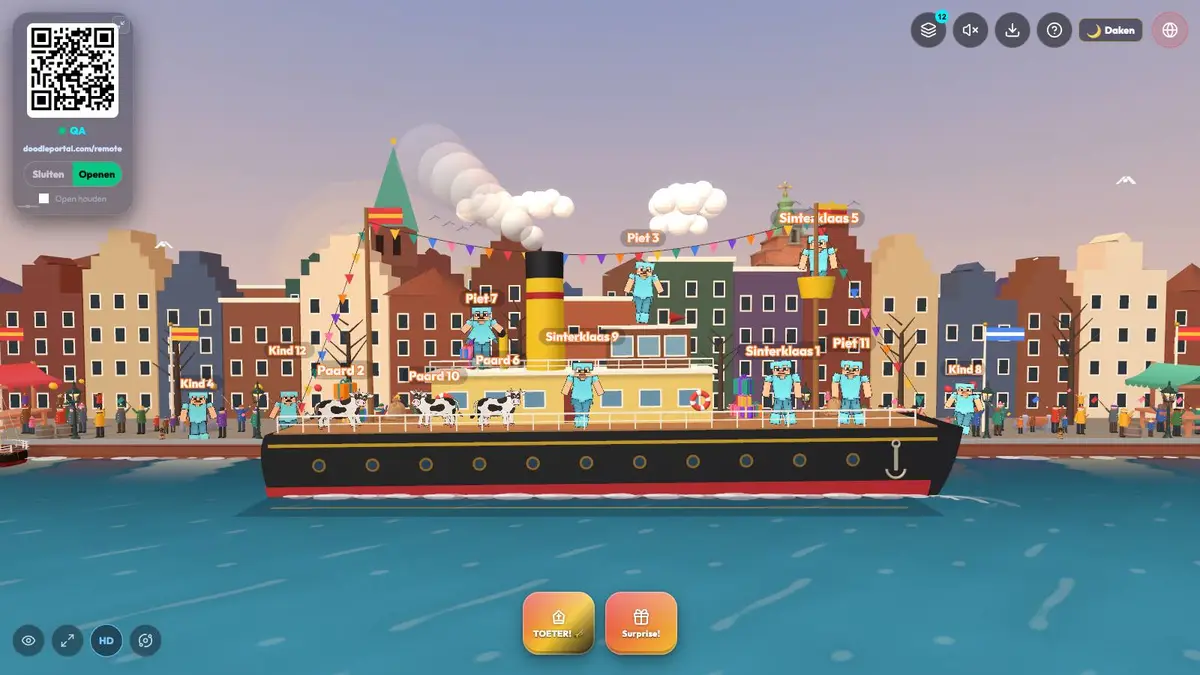
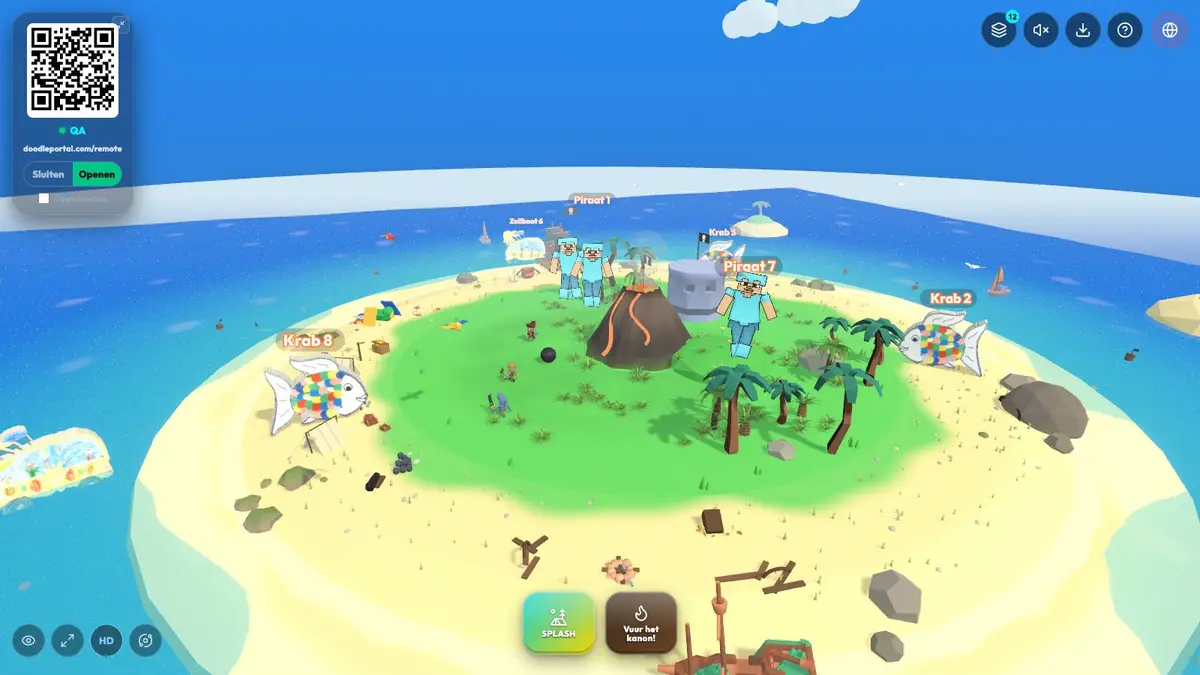
There are more than 20 worlds: an aquarium for an ocean project, outer space, a fairytale castle, a pirate island, a train world, a city, a farm, a race track, a Christmas village and — for Dutch and Flemish classes — Sinterklaas’s steamboat and rooftops. See the Christmas guide for the festive season.
Frequently asked questions
Does it work on our interactive whiteboard?
Yes. Any interactive whiteboard or touchscreen with a modern browser (Chrome, Edge, Safari) works, as does a projector connected to a laptop.
Do students need phones?
No. One device with a camera is enough; many teachers scan all drawings with their own phone or a class tablet.
Is it GDPR-friendly?
Children do not sign in and drawings are not uploaded to a server for storage. They are sent to the classroom screen and kept only in that browser.
Try it now — free
Open a world on the big screen, scan the QR code with a phone and watch the first drawing come to life within two minutes. No app, no account for the kids.
Lesson ideas per world